Configration of CLAUDE and DEEPSEEK
Install CLAUDE
Due to various circumstances, Claude is often difficult to install. After some research, I finally saw on the official website that the issue can be resolved by installing it with WinGet. However, one thing to note is:
WinGetinstallations do not auto-update. Runwinget upgrade Anthropic.ClaudeCodeperiodically to get the latest features and security fixes.
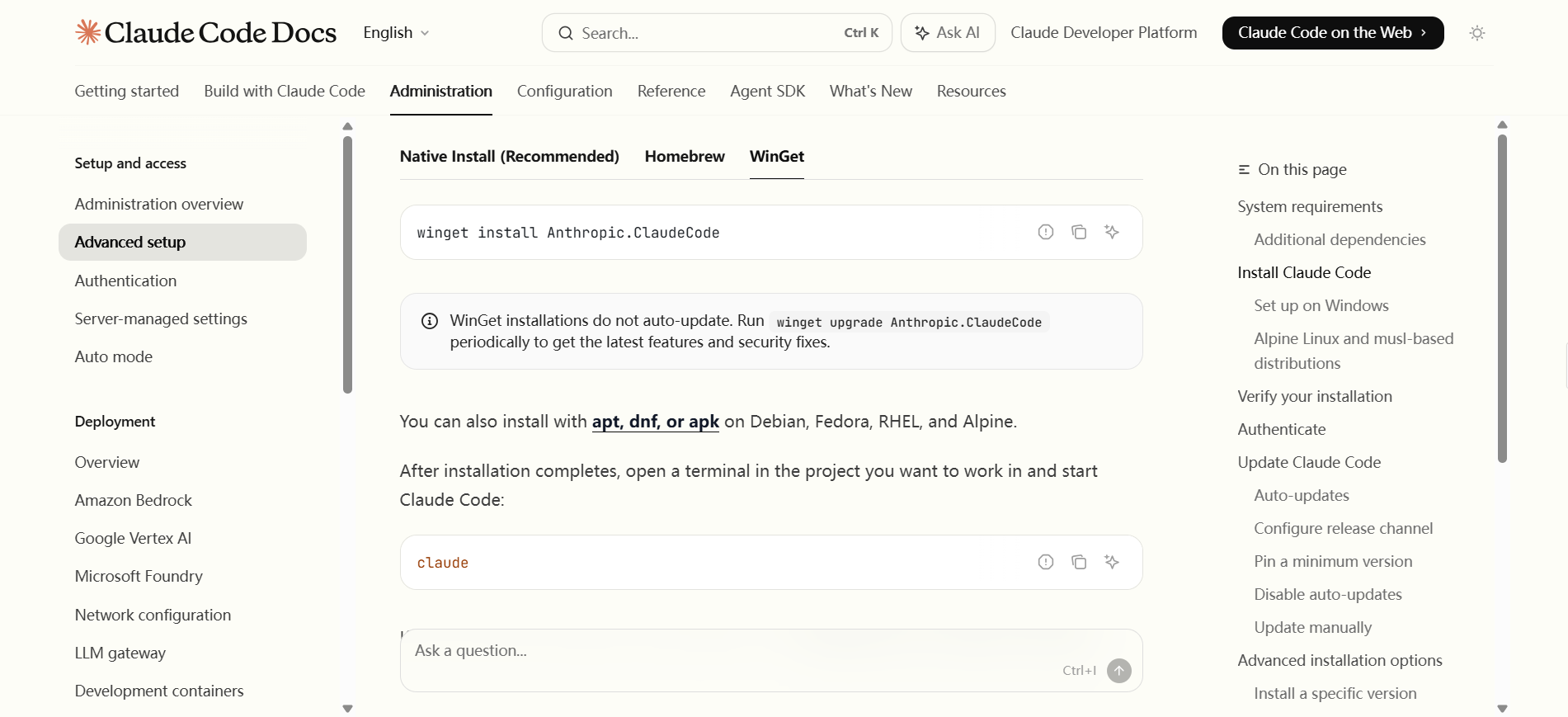
Copy the following command to CMD or PowerShell.
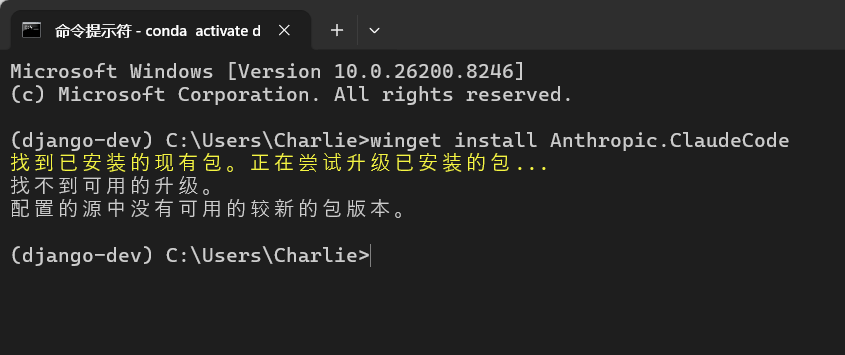
winget install Anthropic.ClaudeCodeSince I have already installed it, the displayed content is as follows:
Then switch to a new shell, type claude, and you will see the Claude operation page.
Since I have already installed it, the displayed content is as follows:
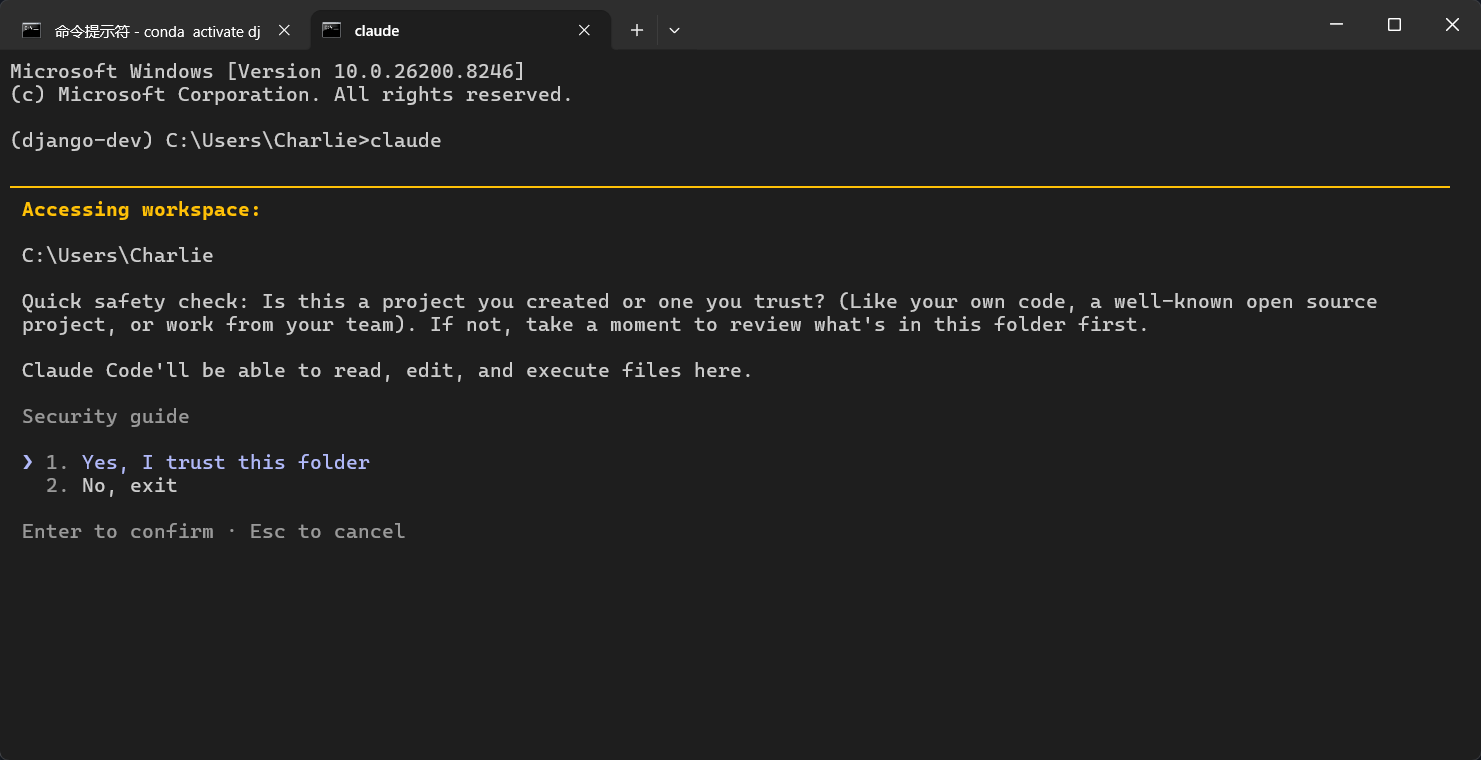
That's it for now. Next, just configure the API key.
Install DeepSeek
Open the Deepseek API Open Platform and create your own key. Please note that the API requires payment.
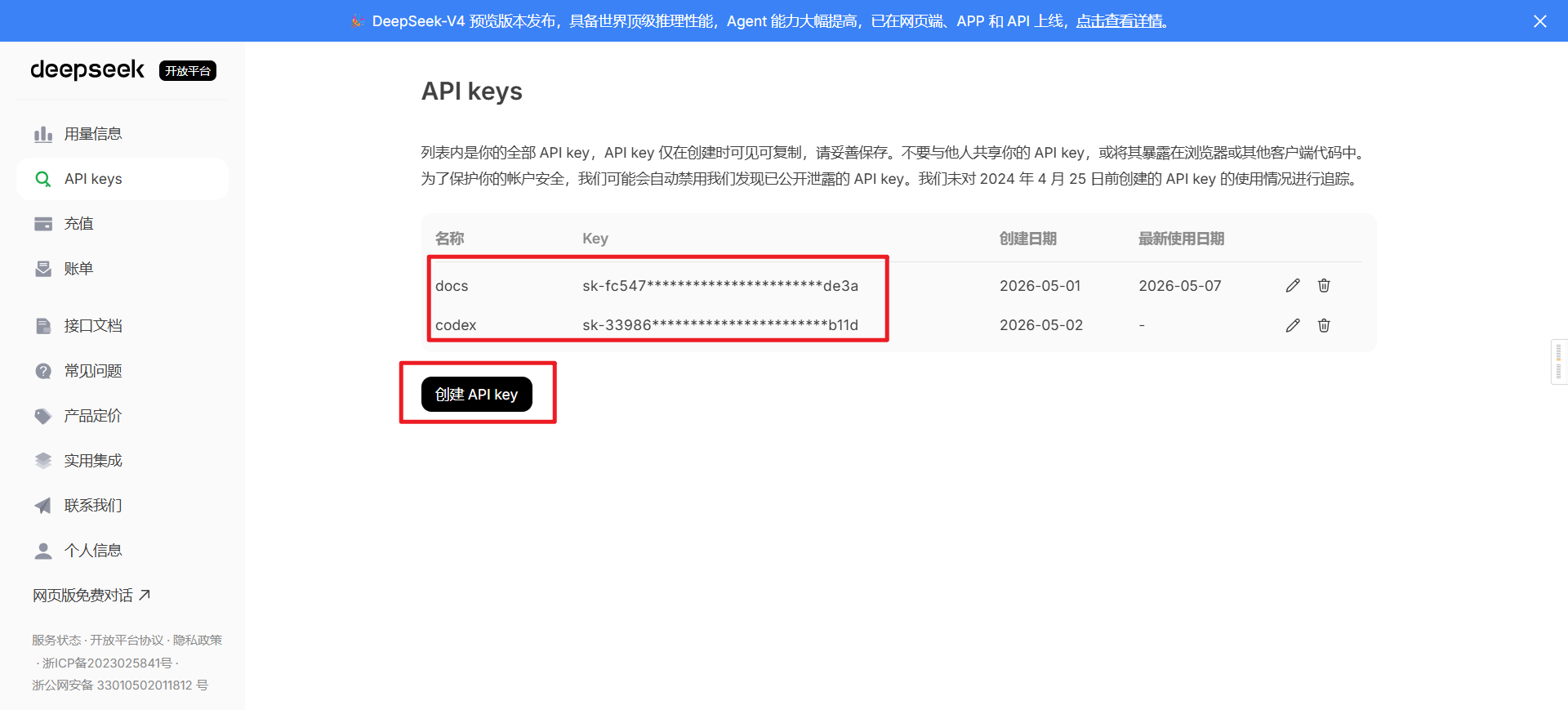
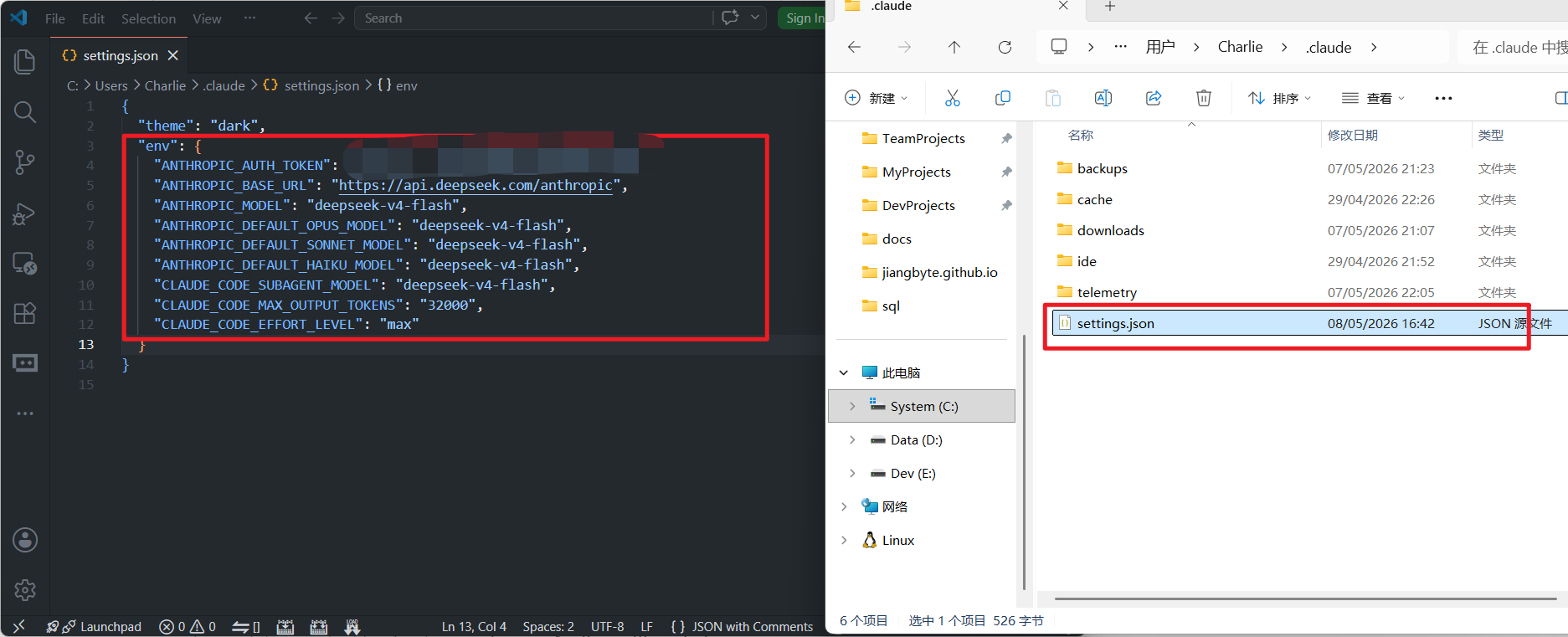
Check the officially recommended configuration:
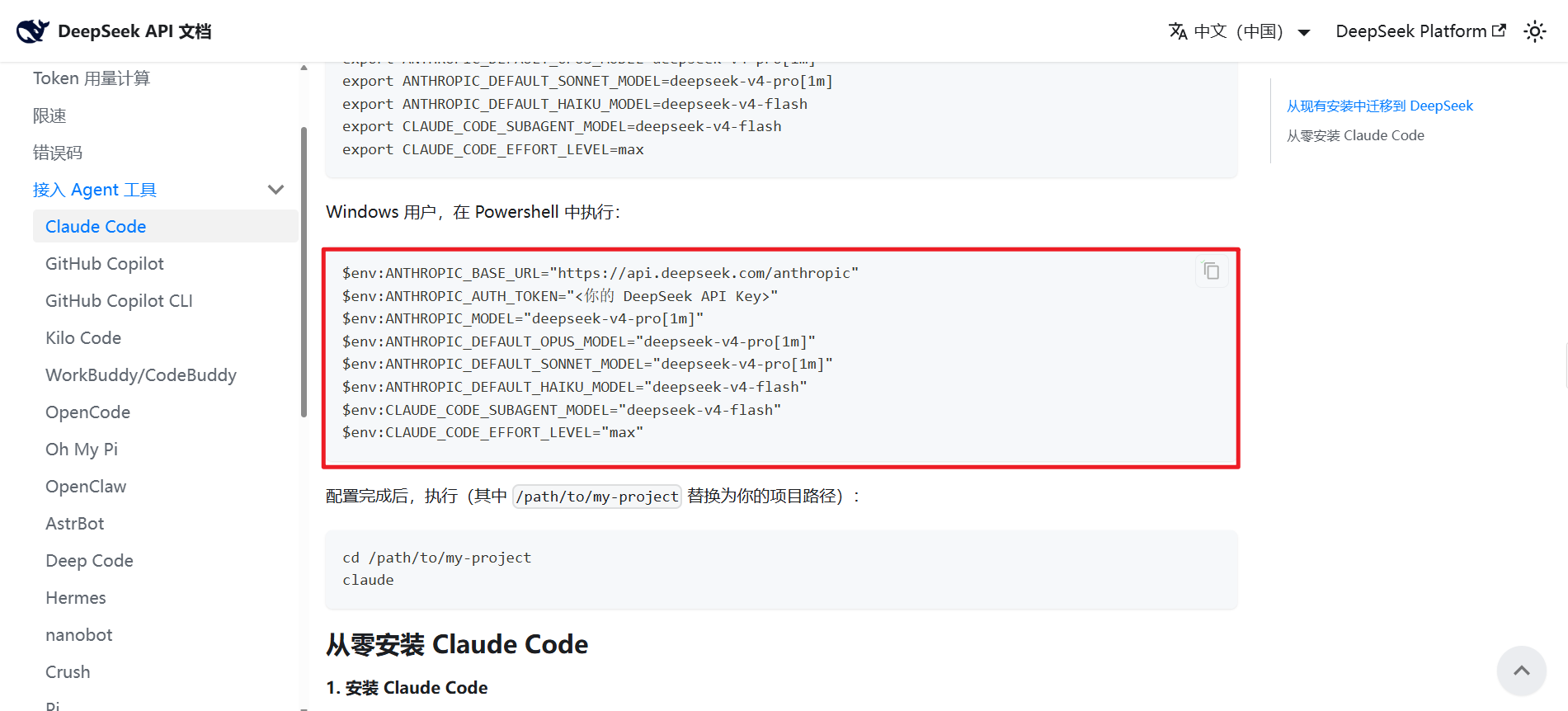
Because Flash is more affordable, I used the Flash version for everything:
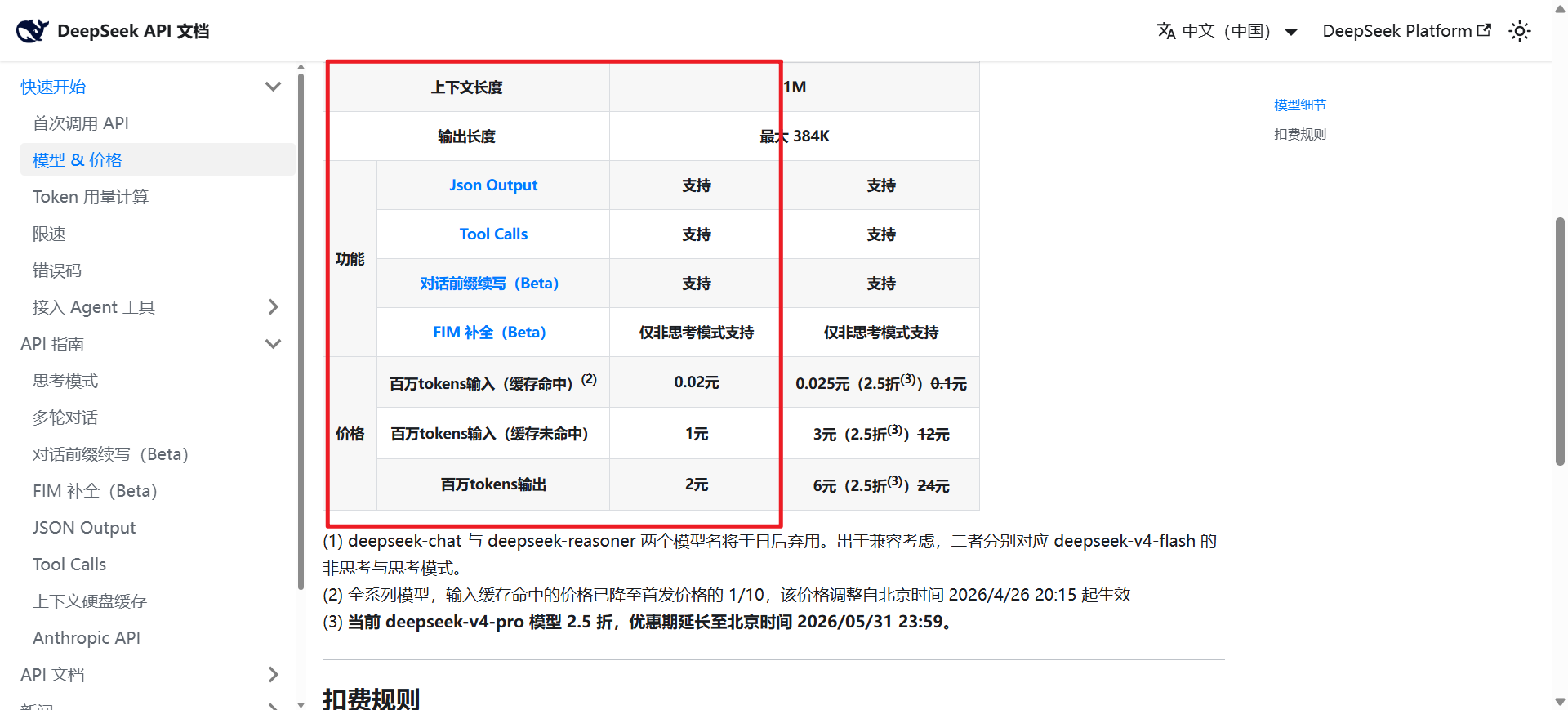
Then switch to a new shell, type claude and hello, and you will see the Claude operation page:
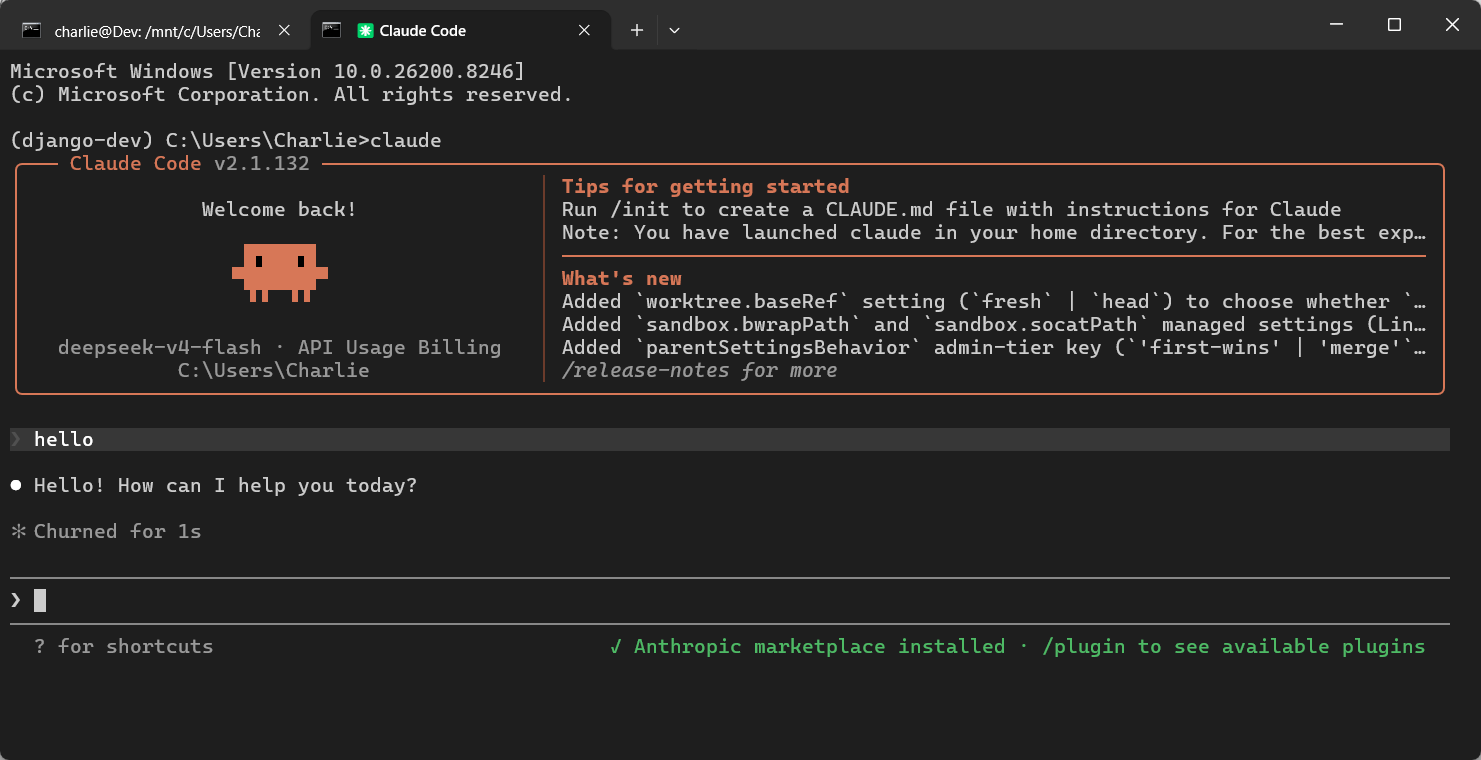
Now Claude is configured!
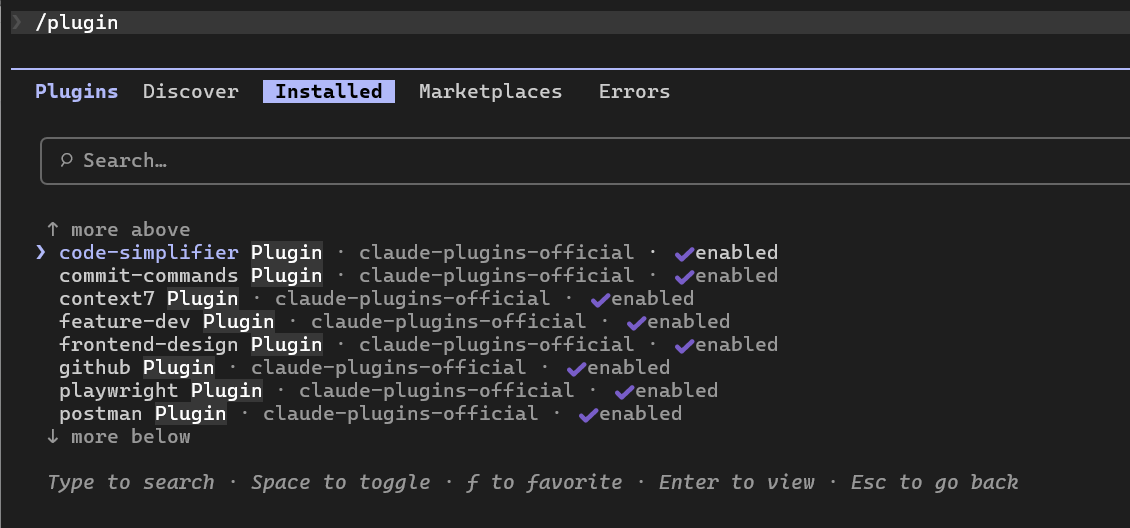
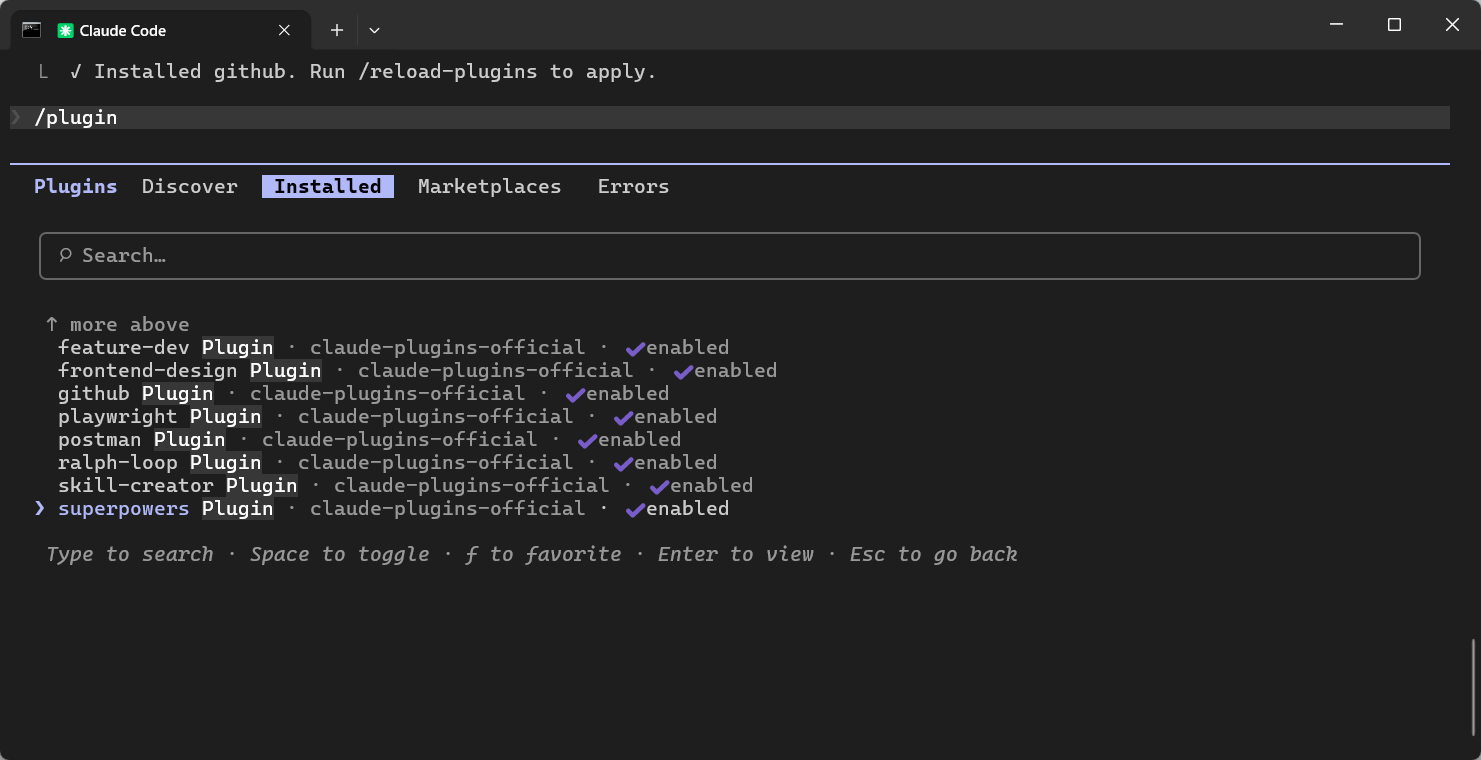
Install Plugins